

 NextPCB Capabilities
 PCB Assembly
 Layer Buildup
 SMD-Stencils
 PCB Design-Aid & Layout
 Mechanics
 Quality
 Drills & Throughplating
 Factory & Certificate





How to Order PCB & PCBA from NextPCB?
Ready to order custom PCBs or PCBAs from China without the hassle of lengthy quotes? At NextPCB, we understand the need for speed and accuracy in your electronic projects. That's why we've revolutionized our PCB Assembly Quote System with an advanced, automated solution. Say goodbye to waiting for human review – now, you get instant, transparent cost estimations for your PCB and PCBA needs, streamlining your ordering process from start to finish.

In the past, our team would manually review and process each quote, which could sometimes delay the process. We recognized the need for a faster, more streamlined service. Hence, we've invested in this automation that will allow us to provide instant, accurate quotes.
The new system uses a sophisticated algorithm to calculate costs based on input files, ensuring you get the most precise quote in real-time. This reduces the lead time and allows you to make quick decisions, accelerating your production process.
How to Order PCB & PCBA Online from NextPCB in China?
With your files prepared, we can now guide you step-by-step to obtain a fast and precise quote.
Step 1: Create or Access Your NextPCB Account
Start by signing up or logging into your existing NextPCB account.
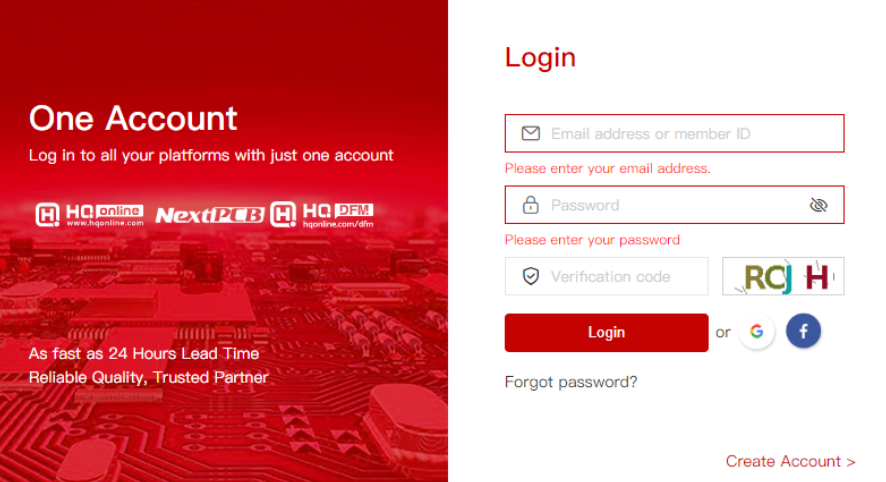
Step 2: Navigate to the PCB Quote Page
Once logged in, proceed to our PCBA quote page.
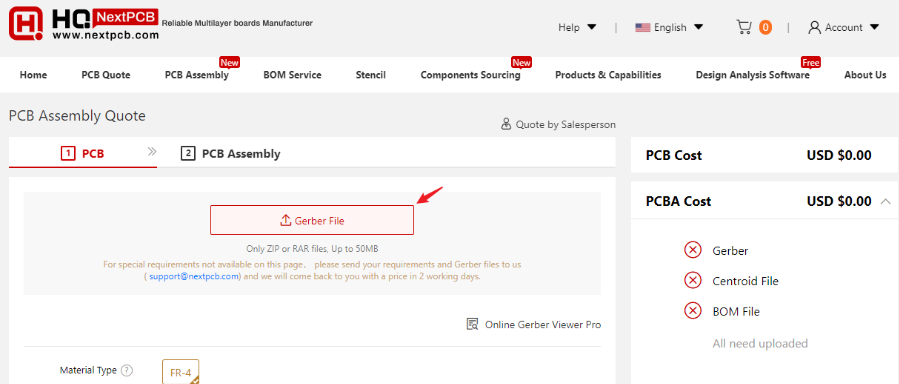
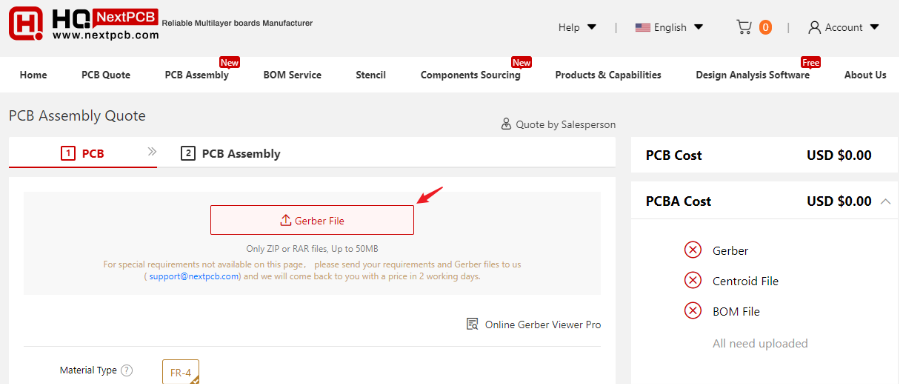
Step 3: Initiate Your Order by Uploading Your Gerber File
Click on the "Gerber File" button to upload your Gerber file.
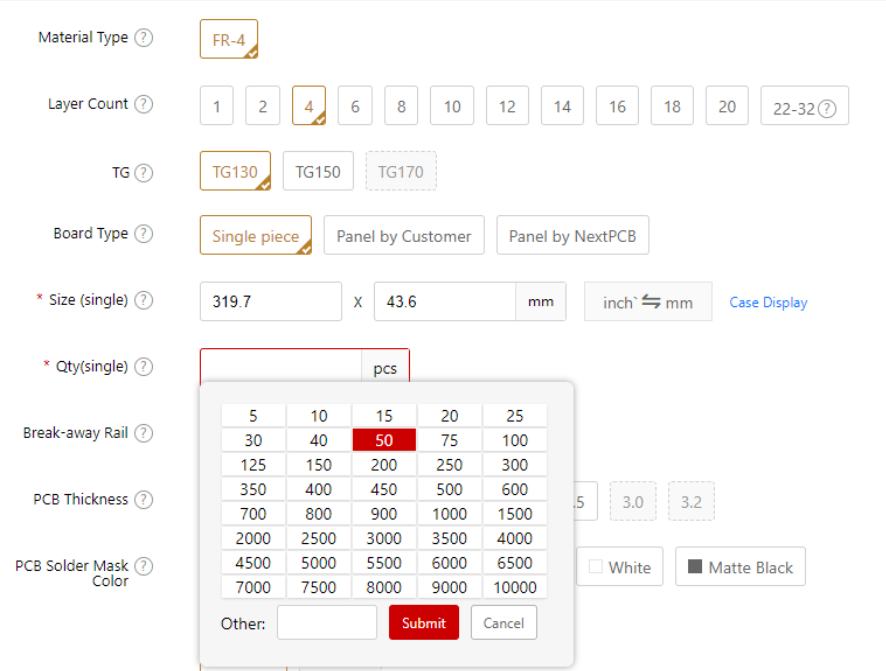
Step 4: Determine Your PCB Quantity
Specify the number of PCBs you wish to order.
Step 5: Provide Your PCB Assembly Instructions
Please include the assembly drawing, pick and place file, and anything else that would help us assemble your boards correctly. Pictures of previous runs, prototypes, or 3D drawings would be of great help.
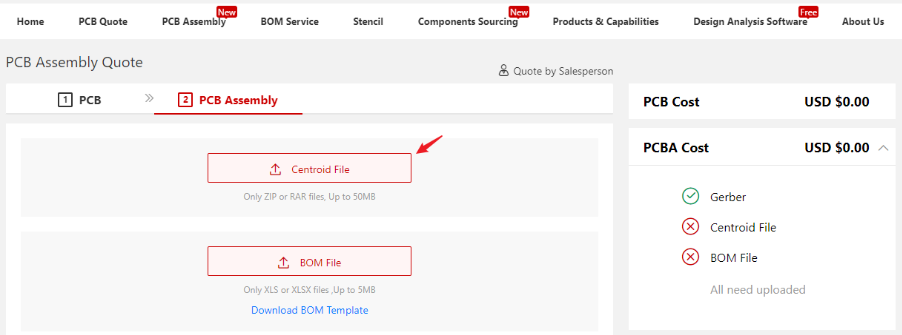
Step 6: Upload Your BOM File
Ensure to upload your Bill of Materials (BOM) file. You can download a template here and a sample BOM here.
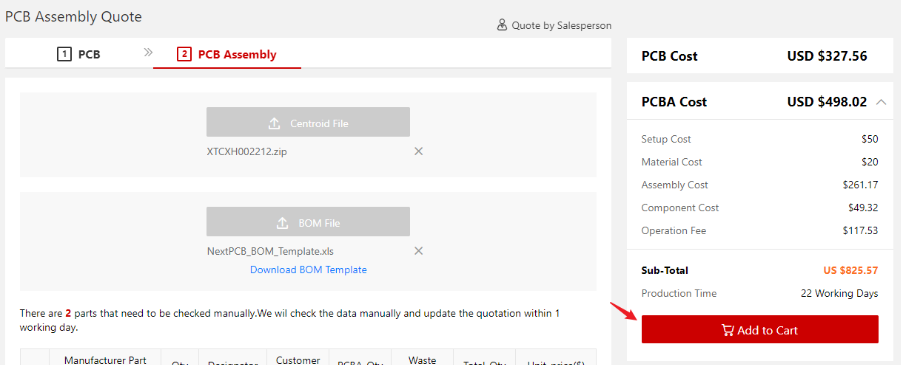
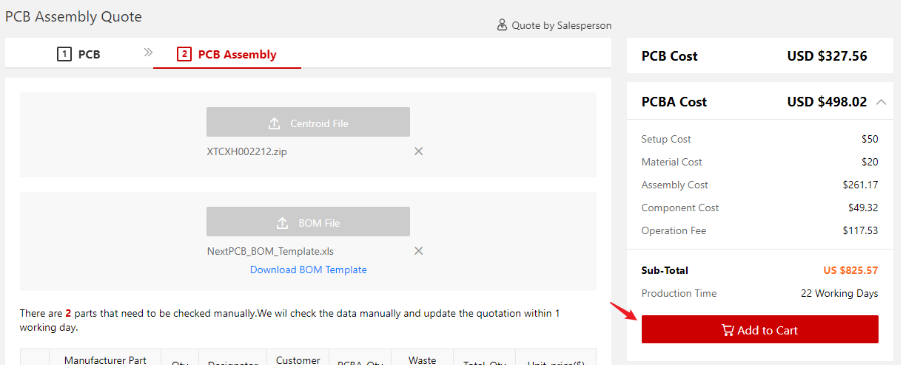
Step 7: Proceed to the Cart
Once you have entered all necessary details, click the "Add to Cart" button.
Step 8: Review Your Order Details
Select the items you wish to purchase, verify your order details, and click "Checkout" to proceed.
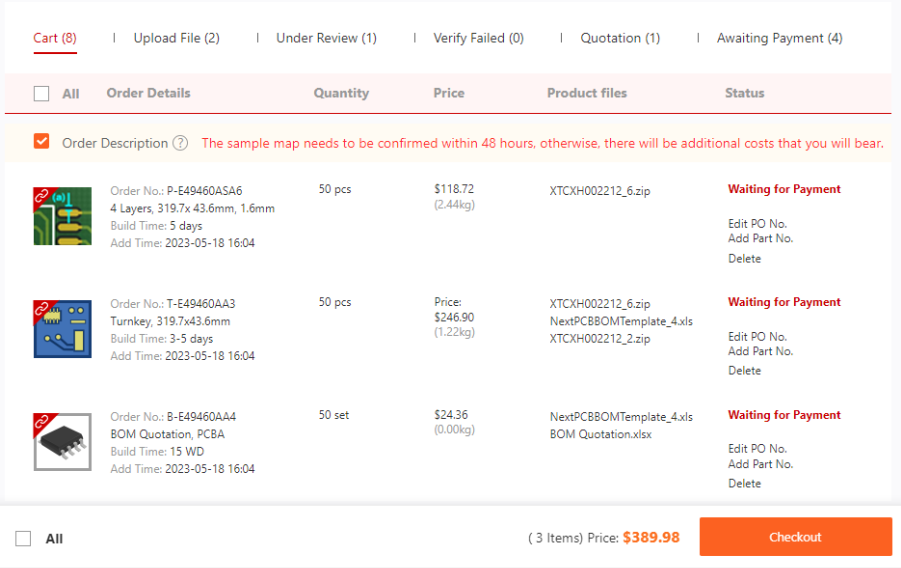
But if there are some parts that need to be quoted by our engineers manually, please wait for a few hours, and we will offer you a quotation for a good value offer you a quotation for good value.
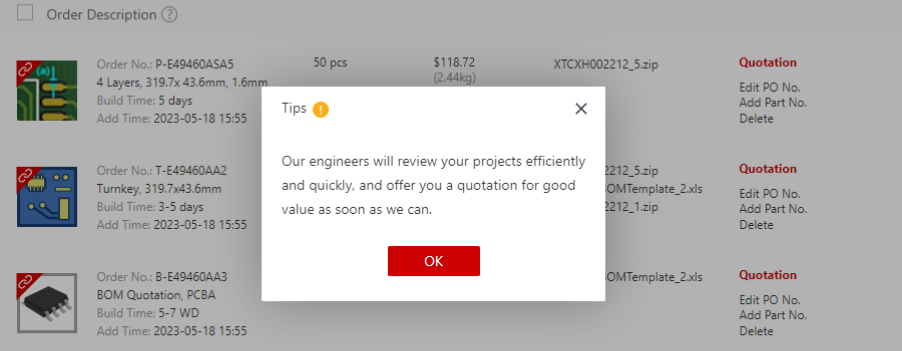
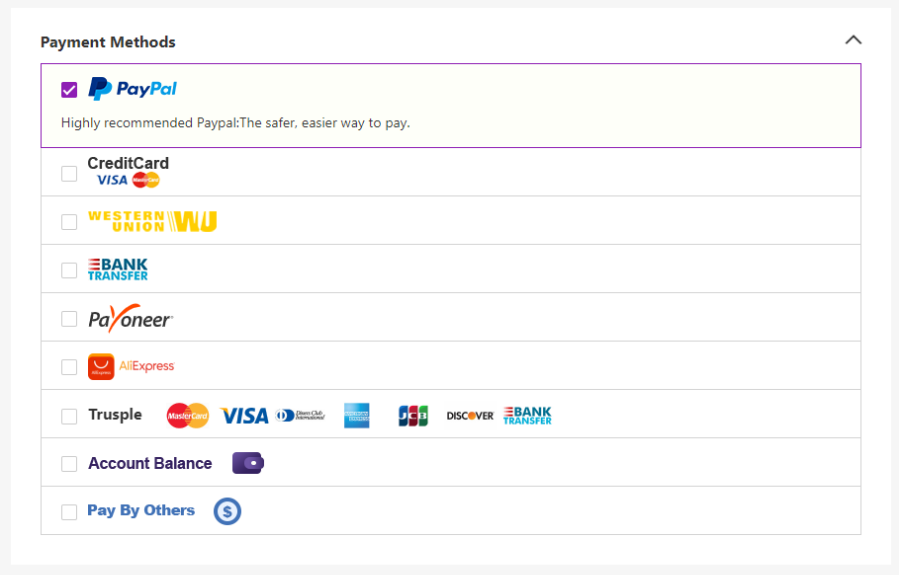
Step 9: Select a Payment Method
Choose your most convenient method of payment. Learn more about the payment options accepted by NextPCB.
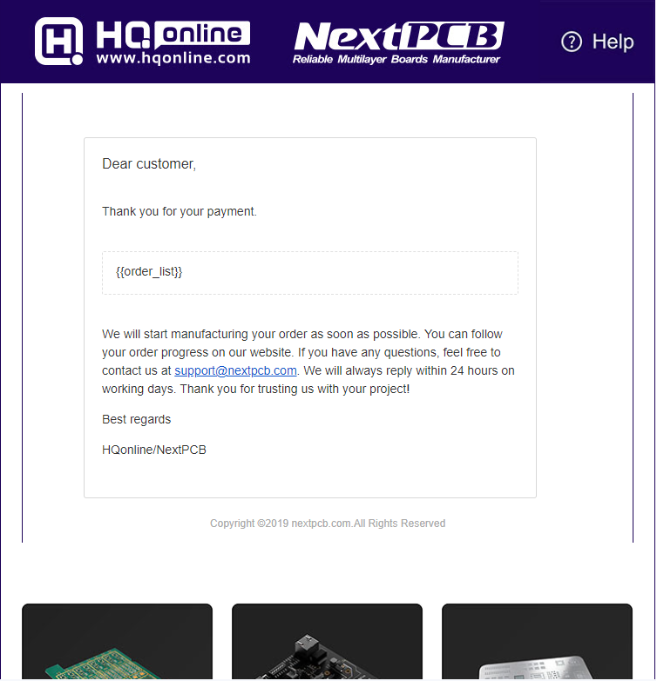
Step 10: Make a Successful Payment!
Upon receipt of an email with the subject line "Payment succeeded," you have successfully placed your order.
For any questions or further assistance, feel free to contact us at support@nextpcb.com. We promise a response within 24 working hours. Learn NextPCB Order FAQ & Delivery Time | SMT Lead Time, Quotation Rules.
At last, we sincerely appreciate your trust in our services, and we're excited for you to experience the enhanced efficiency of our new system. Thank you for choosing NextPCB as your PCB Assembly partner.
Best Regards,
NextPCB Team
>> Read More: When Your PCB Order Goes Wrong: What Good After-Sales Support Actually Looks Like