NextPCB Capabilities
Printed Circuit Boards
NextPCB Capabilities
Printed Circuit Boards
 PCB Assembly
 Layer Buildup
 SMD-Stencils
 PCB Design-Aid & Layout
 Mechanics
 Quality
 Drills & Throughplating
 Factory & Certificate
 PCB Assembly Factory Show
Certificate
PCB Assembly Factory Show
Certificate

Support Team
Feedback:
support@nextpcb.com
Send your test plan. We test your assembled boards — every board or a sample — and repair failures until they pass.
Eight common categories. The exact scope depends on evaluation of your product and test plan.
Voltage, current and power consumption.
UART, I2C, SPI bus, USB, HDMI, Ethernet — link and function checks. Certification testing is a separate service.
Signal levels, stability and timing (functional check, not a certification test).
RAM read/write; Flash read/write and data retention.
Buttons, LED indicators and sensors.
Frequency, stability and jitter.
Simulated fault conditions.
Firmware function and performance, up to full software-enabled end-of-line (EOL) testing, if the board has firmware.
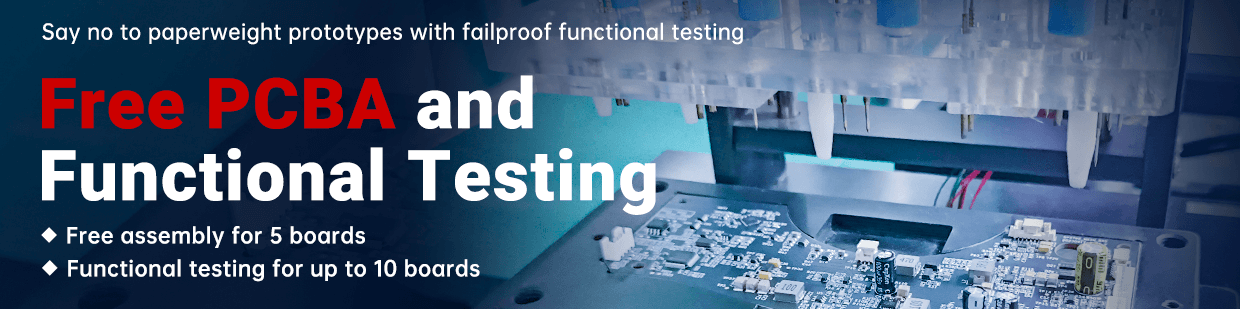
Requires a PCBA order placed with NextPCB. Free assembly covers 5 boards; free functional testing covers up to 10 boards.
Quote Now How paid testing is charged →For prototype, small-batch and mass-production orders. All three approaches can be combined with firmware flashing.
Check manufacture, parts and placement on a prototype.
Monitor volume production and catch serious defects early.
Every unit tested, for high-value boards where failure is not acceptable.
Each method checks something different, and many projects combine them.
| Method | What it checks | Typical use |
|---|---|---|
| Functional test (FCT) | The assembled board: electrical parameters, interfaces, memory, sensors and software logic | After assembly, run from your test plan |
| AOI | Defects, shorts and opens, by optical comparison | Inline on the SMT line |
| X-Ray | Hidden solder joints such as BGA | Components whose joints cannot be seen |
| Flying probe | Open and short circuits on bare boards | Bare-board samples and small batches, no fixture needed |
Five steps, and who handles each one.
Purpose, method, equipment, steps.
Engineers review your plan and estimate the test time.
You supply (recommended), or we design / source at your cost.
Engineers verify the test hardware and write the internal SOP.
Each board tested per SOP; failures analyzed and repaired until they pass.
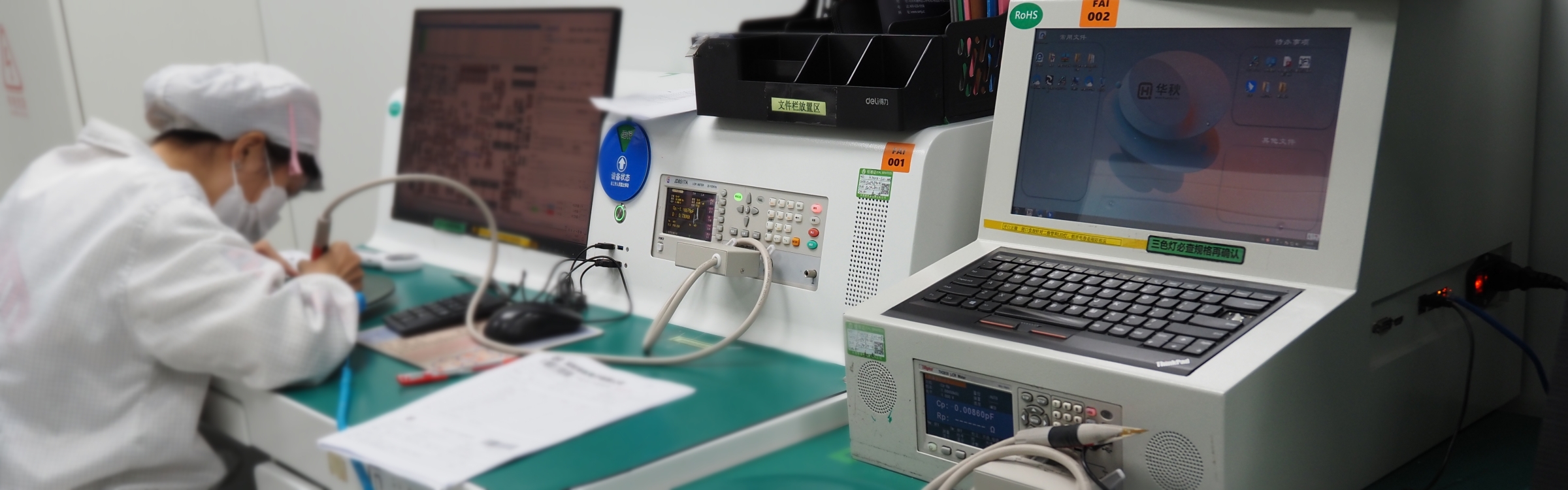
Instruments, programmers and inspection equipment in NextPCB’s lab and factory. The ones used on your order depend on your test plan.
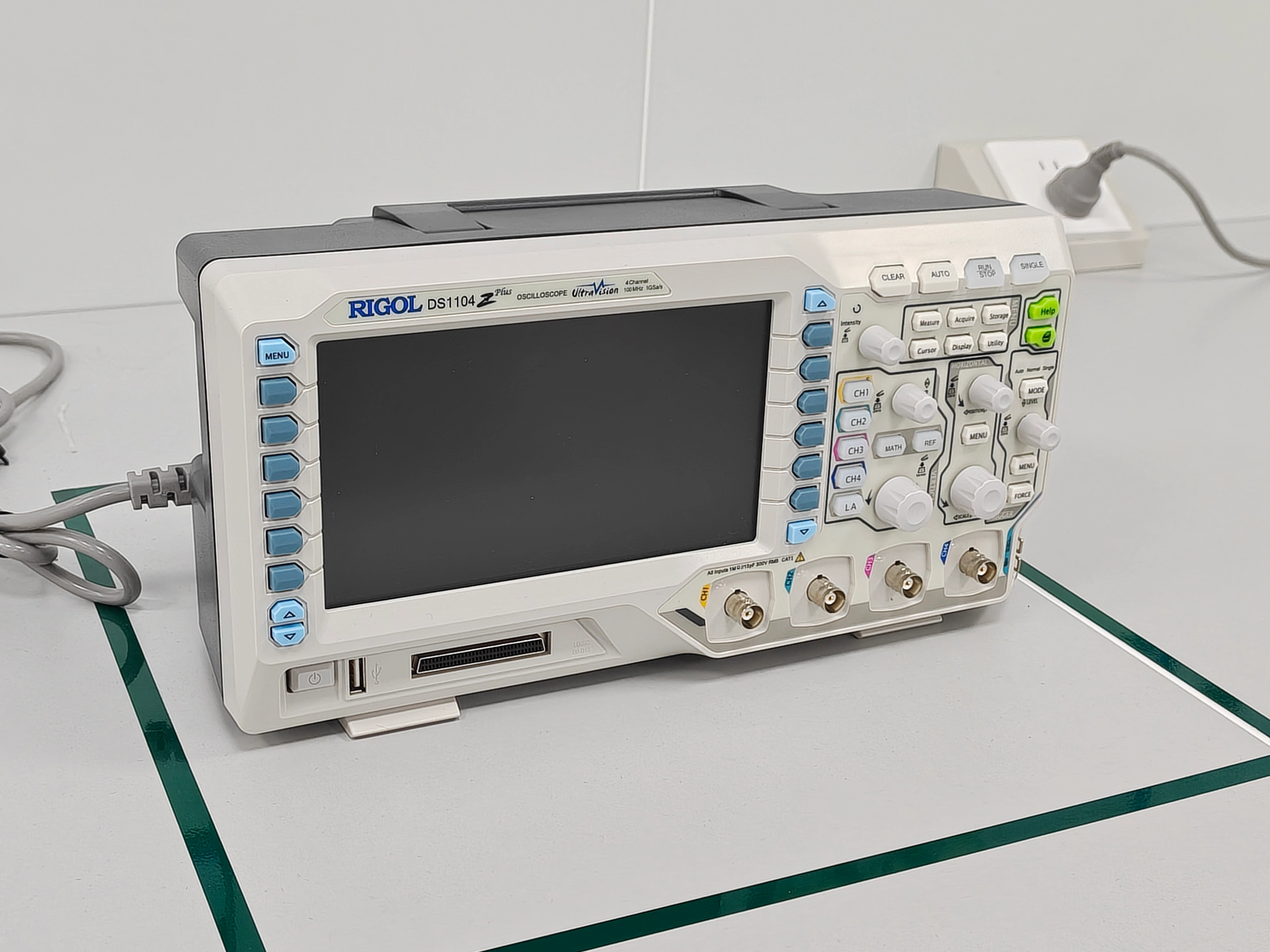
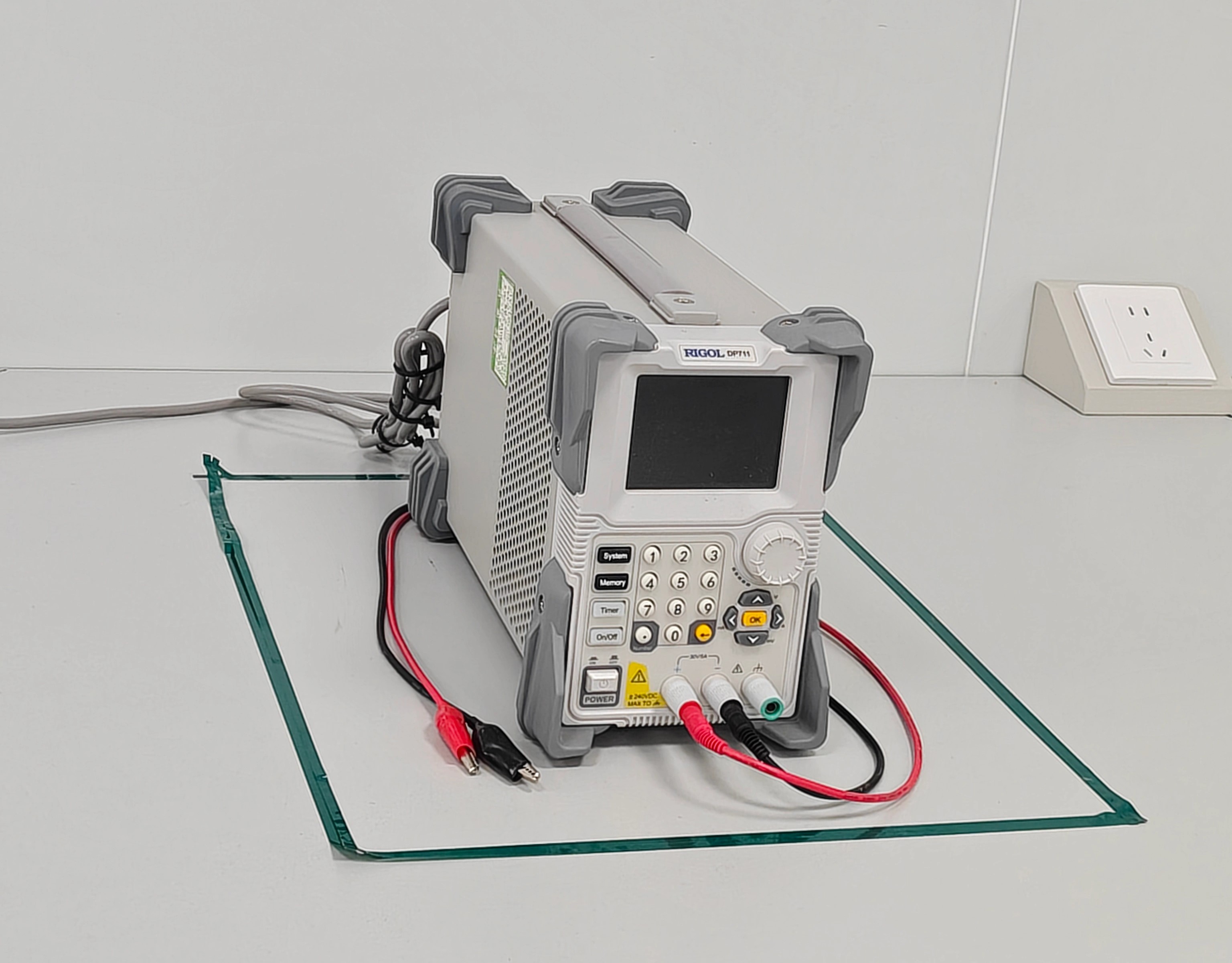
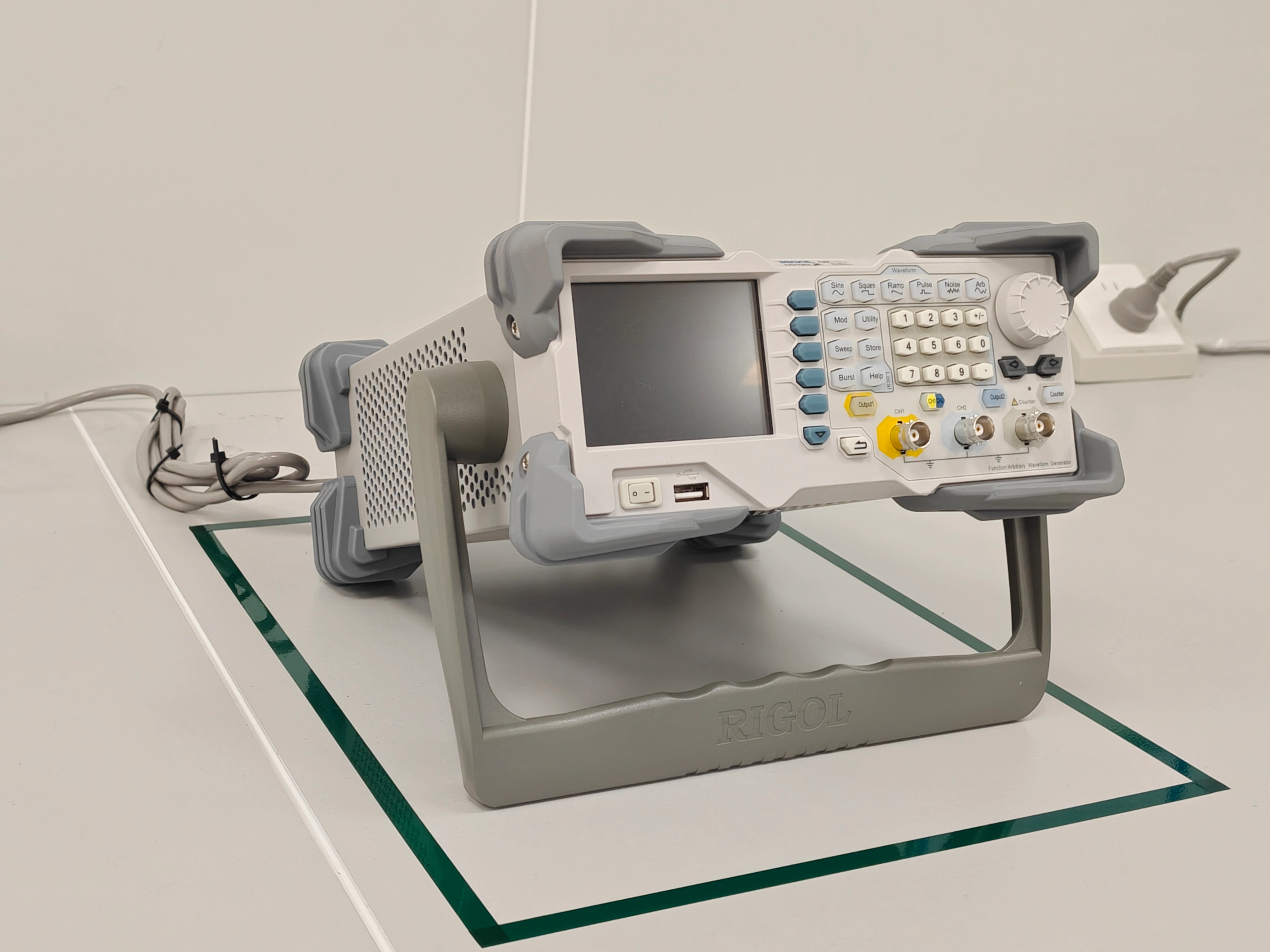
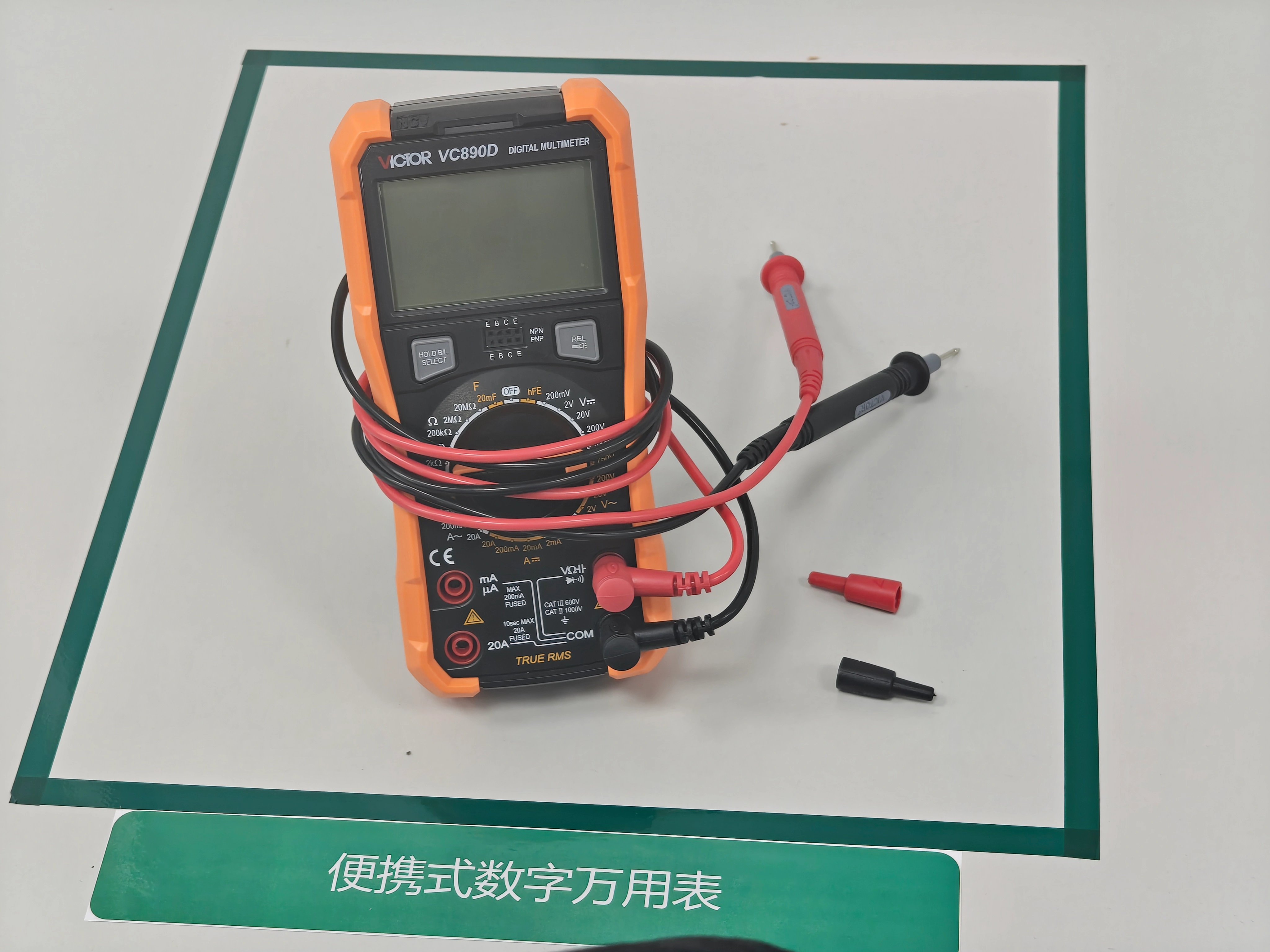
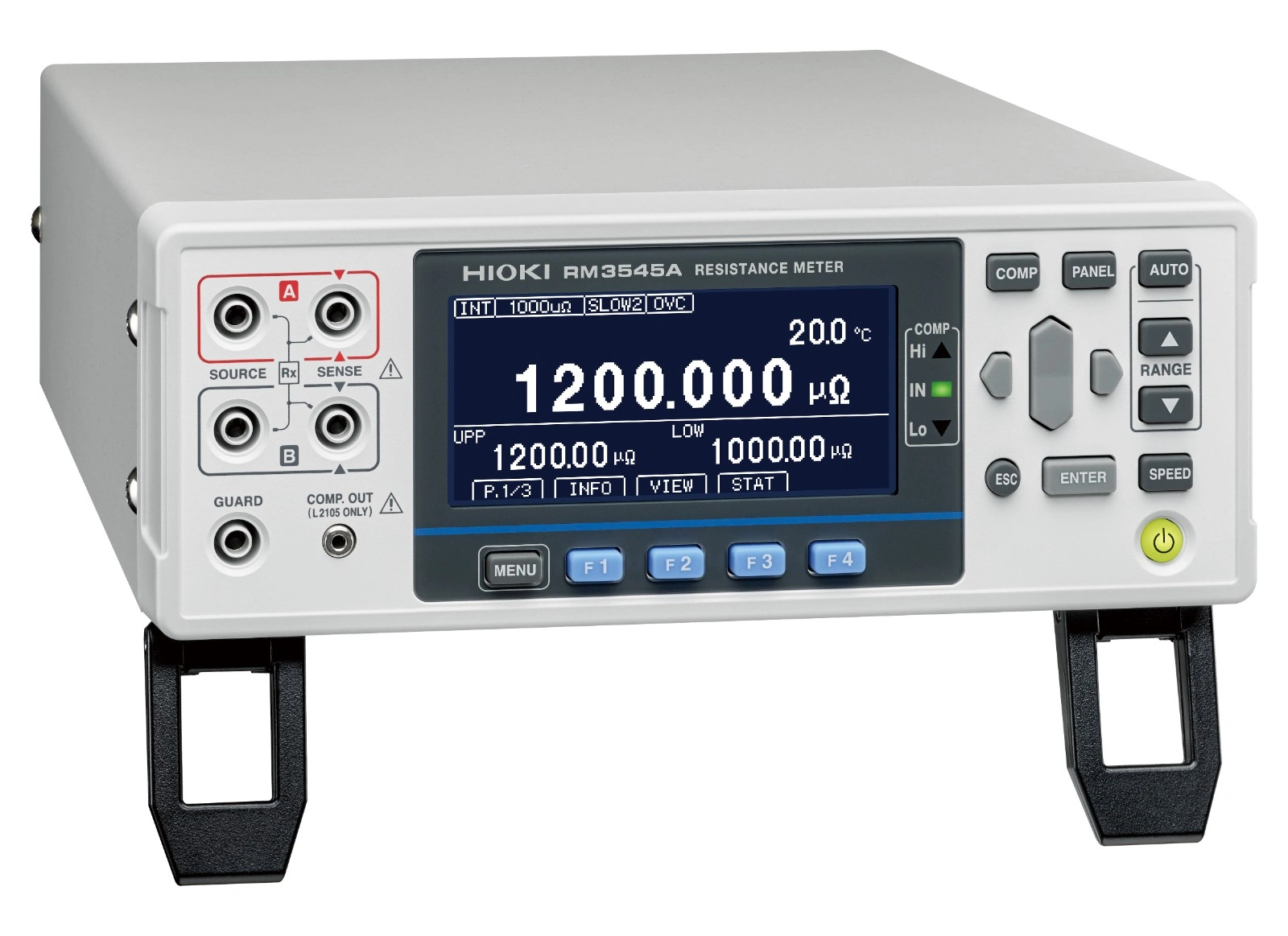
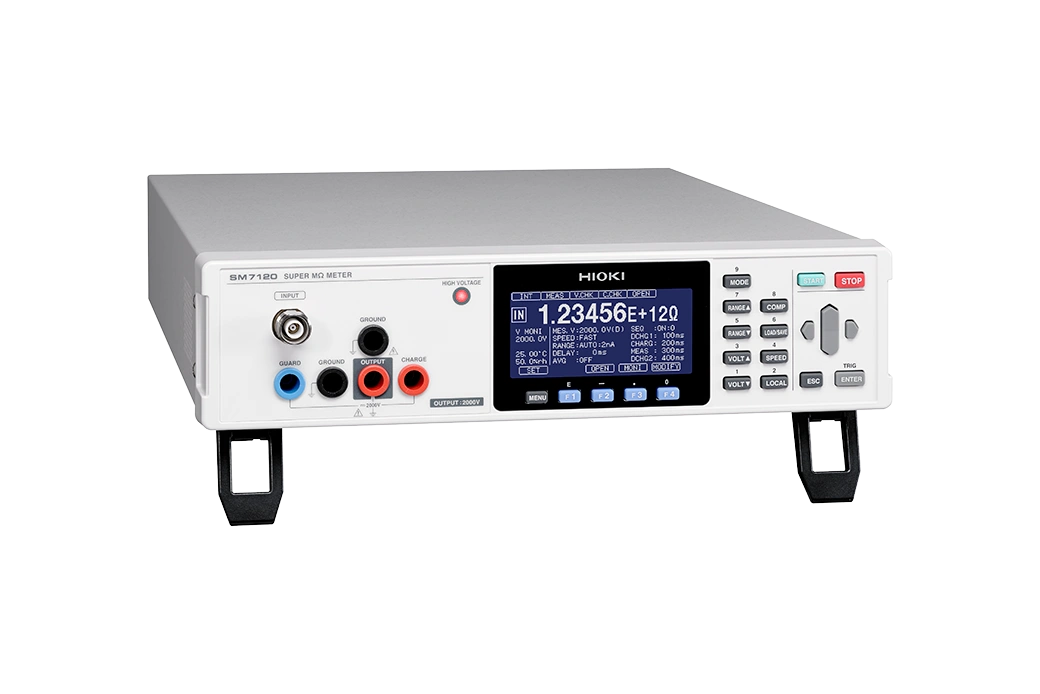
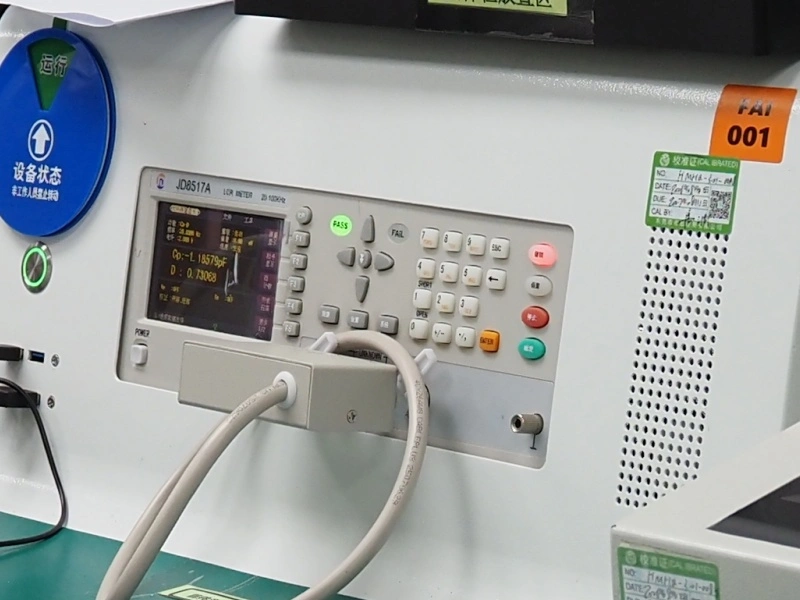
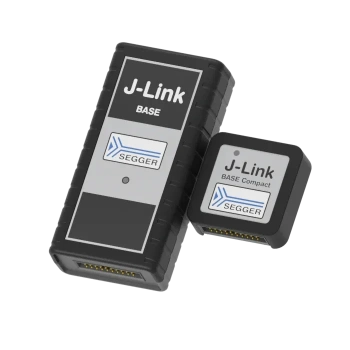
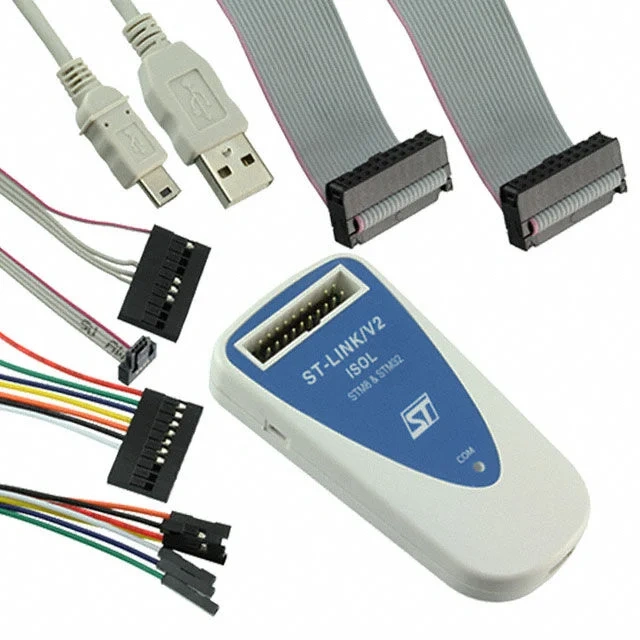
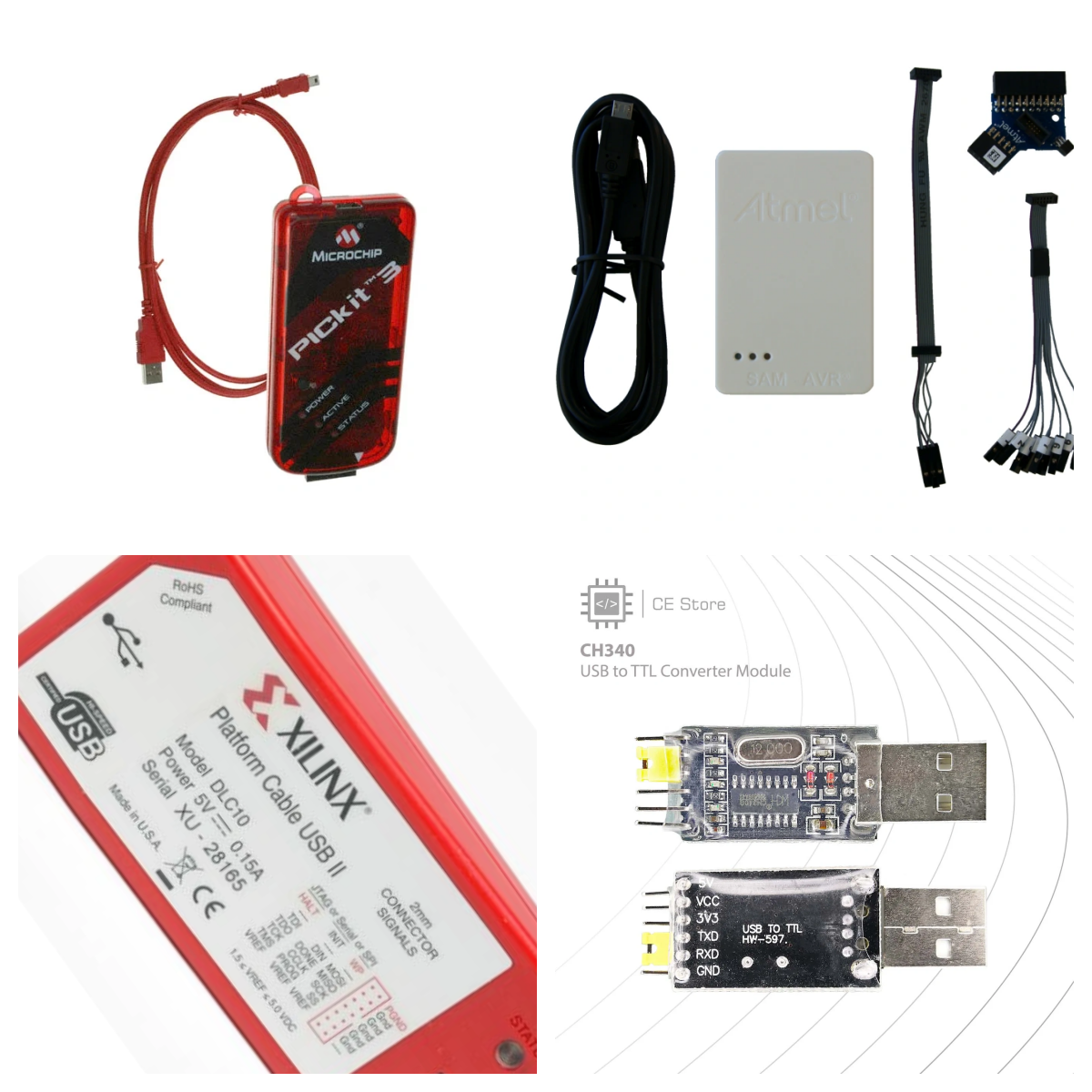
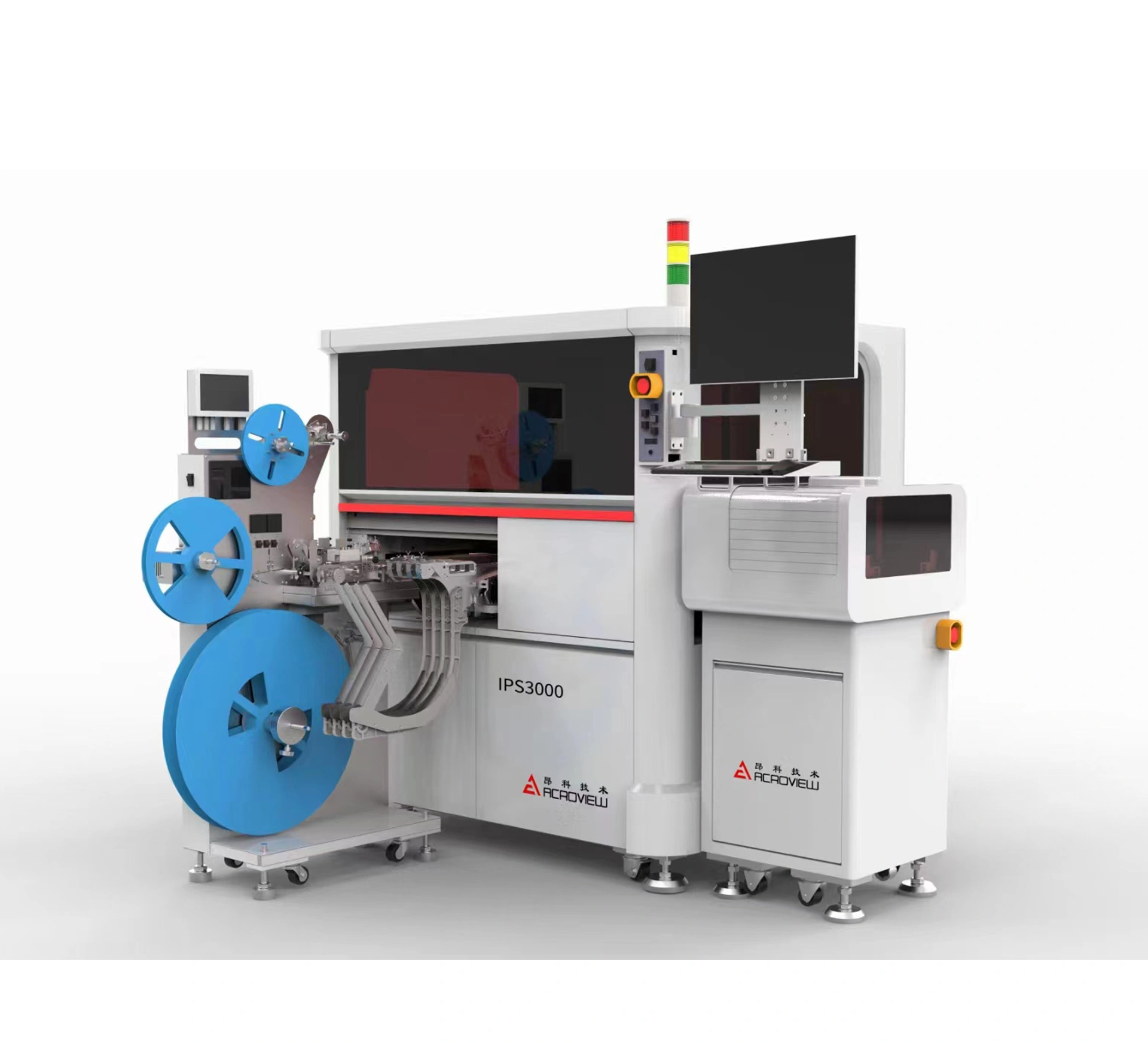
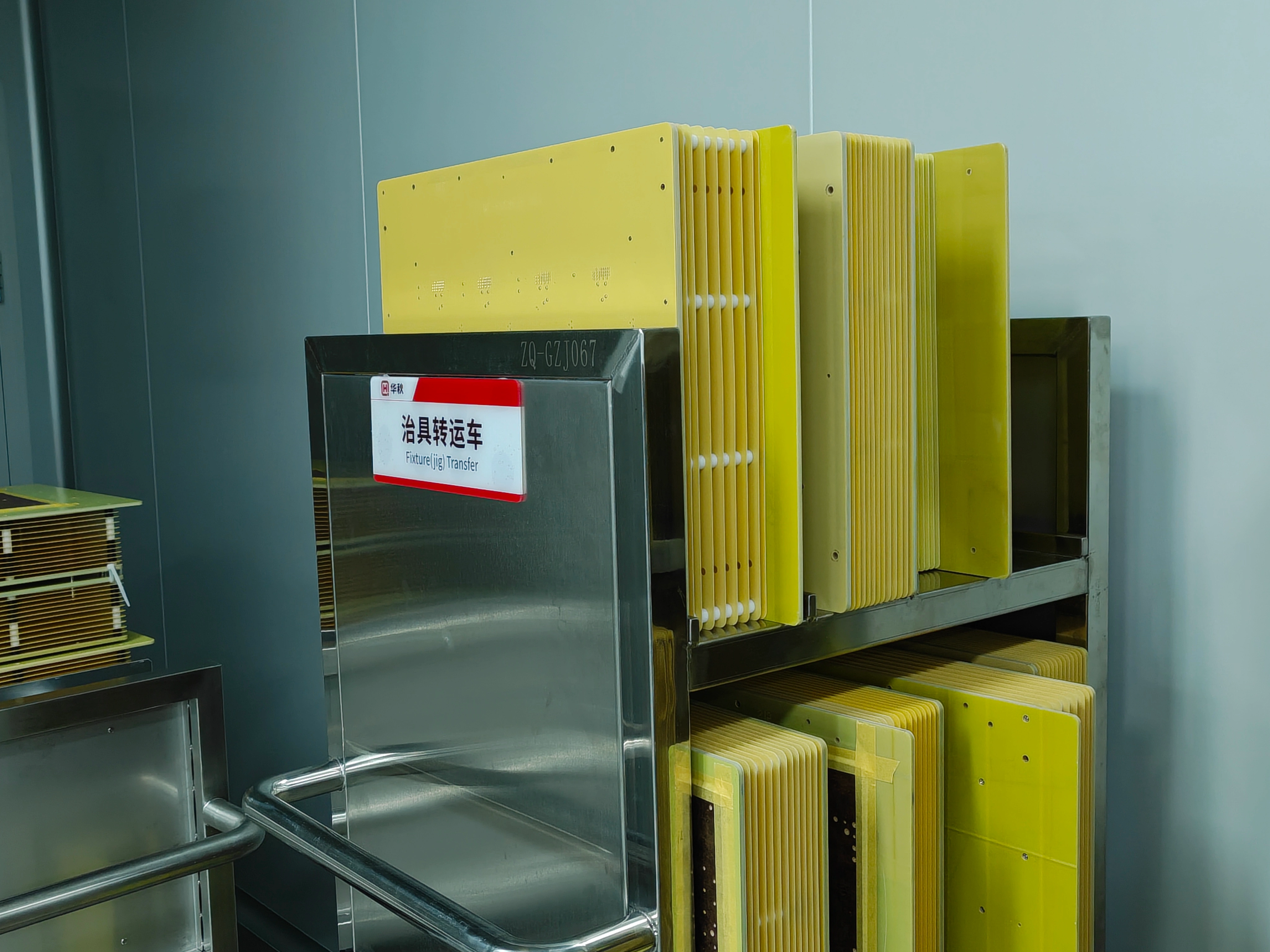
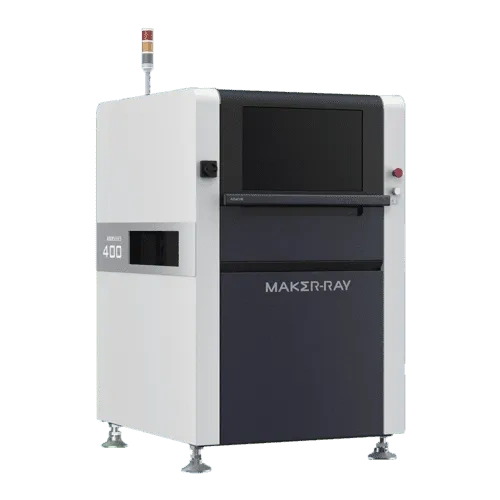
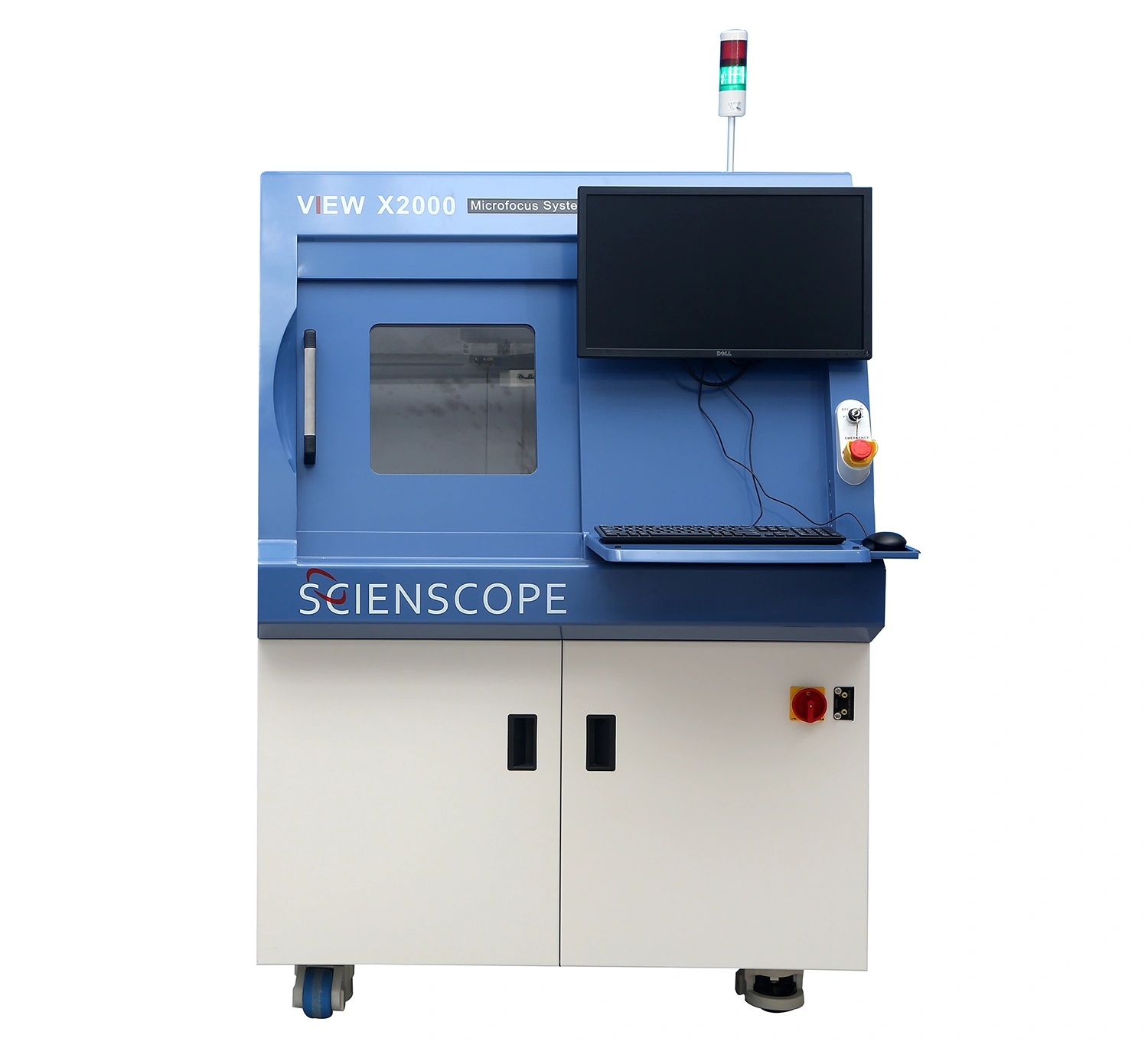
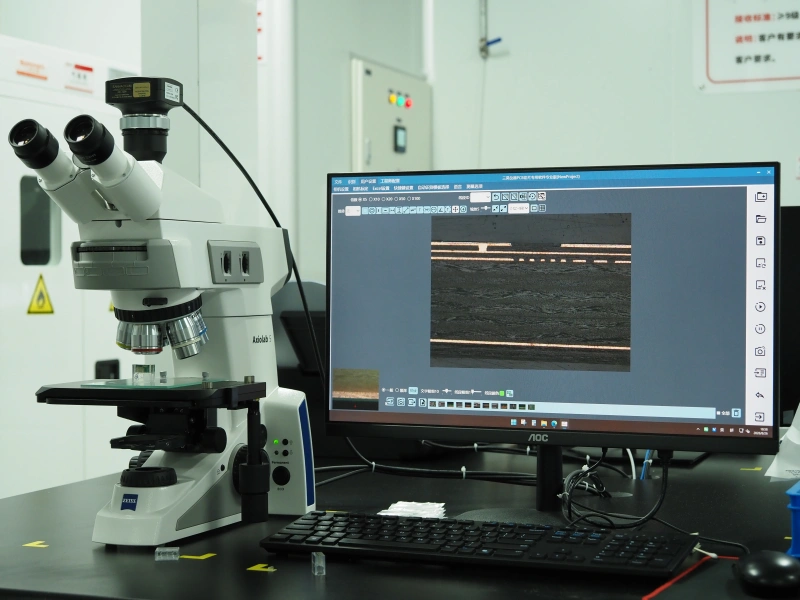
Make four things clear: which tools, which software and parameters, how to wire the board, and what counts as a pass. Here is what to send — and what NextPCB handles for you.
| Item | You provide | NextPCB helps with |
|---|---|---|
| Test steps (SOP) or videoRequired | A step-by-step test document, or a complete test video. | We review it, translate the installation and test instructions where needed, and turn it into the factory SOP. No document? Send a complete video and our engineers will write it up. We cannot evaluate a quote without one of the two. |
| Wiring informationRequired | How the board connects to the computer, programmer and dev board. This can sit inside your test or flashing instructions. | We check that the wiring schematic is clear and complete, and that the factory can carry it out. |
| Pass criteriaRequired | What counts as a pass: an LED state, a serial output reading OK, a voltage at a stated value. | You define the criteria; we apply them to every board we test and repair failures until they pass. |
| Test softwareIf needed | An install package or download link, plus parameter settings. | Installation and set-up steps go into the factory SOP. |
| FirmwareIf flashing | The program file: .hex .bin or .elf. |
We flash it — board-level or chip-level, see Firmware Flashing — and can combine flashing and testing in one order. |
| Dev boards, programmers, test cablesBest from you | Verified tools, shipped to us. If you cannot supply them, send a list with specification, model or purchase link, plus the wiring principle. | We check whether the tools can be sourced and operated by the factory. Sourcing is at your cost, with an engineering fee. |
| Test jig / fixtureBest from you | Your verified jig, shipped to us. If you want us to make one, send jig design requirements and a wiring schematic. | We can design and arrange a jig from your requirements; an engineering fee applies. A ready-to-use jig goes straight into first-article debugging. |
Tools and jigs you have already verified can be used the moment they arrive. Tools we purchase may differ in version, so they must be debugged first — slower, and an engineering fee applies.
We first check:
Send files to support@nextpcb.com; the contact page takes a short summary only and cannot accept file uploads. Not sure your documents are ready? Send what you have and our engineers will help you shape it.
The level of detail that makes a test easy to run and easy to judge. Test report available upon request.
Apply 5V power to the − and + terminals.
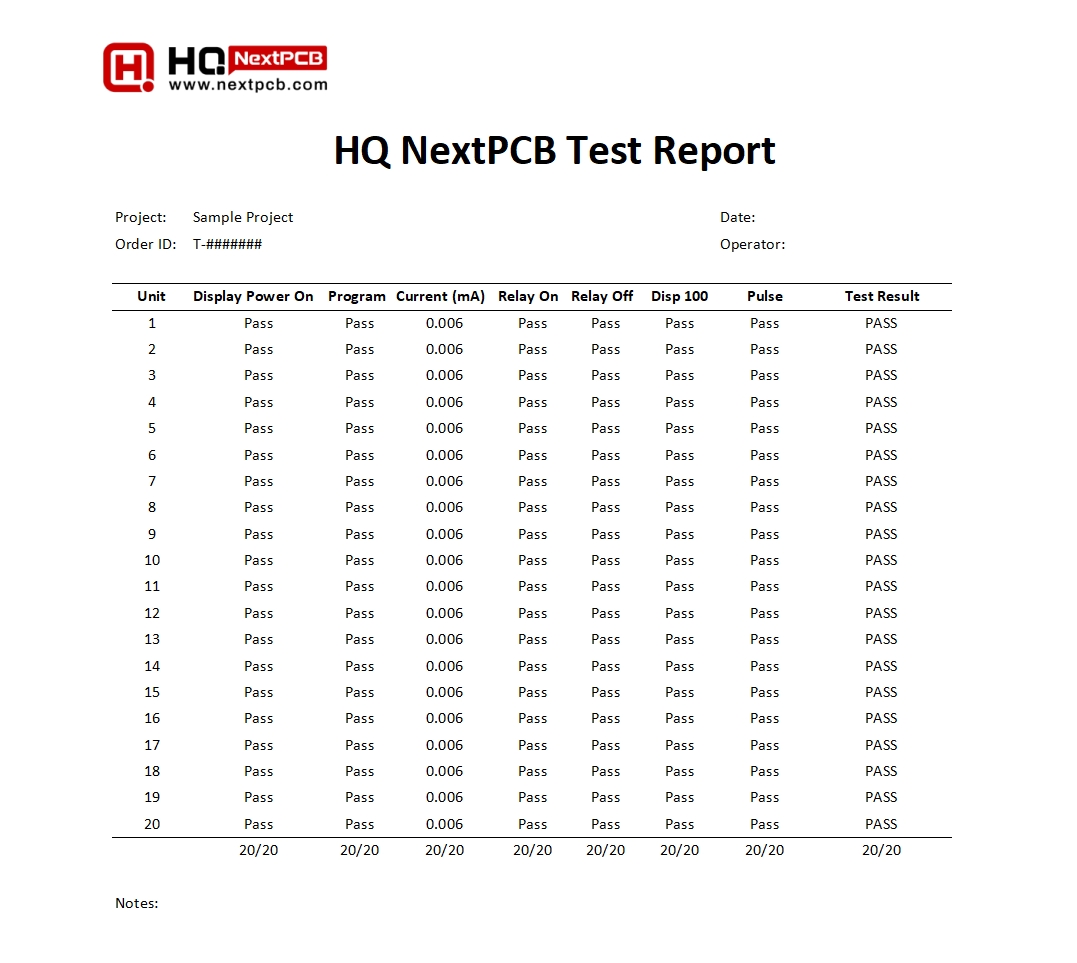
Test report available on request. This industrial meter sample reports all 20 units, one row per unit.
Board-level flashing is the right choice for most projects.
| Board-Level (Recommended) | Chip-Level | |
|---|---|---|
| When | After assembly | Before assembly |
| How | Debug interface: JTAG, SWD or UART | Programming socket |
| Equipment cost | Lower | Higher |
| Best for | Small batches and rework | Large, standardized volumes |
| What it verifies | System-level interaction logic | Chip function only |
Recommended only at thousand-piece quantities. We currently have a socket for SOIC-8 208mil only; other packages need a custom socket at your cost.
Programmer model and cable spec · flashing software and configuration parameters · firmware file · wiring info plus an SOP or video. Supplying the tools yourself is best.
A complete test procedure or video is needed to evaluate a quote. The charge is usually collected after testing, and the hourly rate is told to you in advance.
Technician time debugging your tools, jig and SOP on a sample board.
Time spent testing your order. Prototype orders: up to 10 boards tested free.
Only when we source tools or build a jig for you. Tools are at your cost.
Reference rate: one past quote used about 9 USD per hour. Cases differ, so the final rate is confirmed with you before work starts.
Minimum order quantity, minimum charge, jig fees, design revisions and lead times are not listed here — please contact a sales representative.
Why the quality of your test materials matters. Illustrations from individual cases, not commitments or overall lead times.
Full test document, verified jig and software supplied. We review and go straight to first-article debugging.
Commissioning: about 1–2 hours
Instructions arrive in pieces and tools must be purchased, so details are confirmed step by step first.
Commissioning: can take several days
An ST-Link programmer and a clear SOP let us verify the flashing setup quickly.
Commissioning: about 0.5–1 hour
For prototype PCBA ordered through NextPCB, up to 10 boards receive free functional testing. The free part covers the testing itself only; other costs, such as tools or jigs that need to be purchased, are quoted separately. See the free functional testing article for details. NextPCB is currently also offering free assembly for 5 boards.
Common categories are electrical connectivity (voltage, current, power consumption), communication interfaces (UART, I2C, SPI bus, USB, HDMI, Ethernet; link and function checks), signal levels and timing, memory (RAM and Flash), functional modules (buttons, LEDs, sensors), clock frequency and stability, fault detection and fault tolerance, and embedded software or firmware. The exact scope depends on evaluation of your product and test plan. For in-circuit test (ICT) availability and scope, please contact a NextPCB sales representative.
No. Functional testing checks that an assembled board works as designed, using your test plan. It is separate from regulatory compliance testing such as FCC, CE, UL or RoHS. If your product needs certification, NextPCB offers certification assistance as a separate service, which can be requested when you place your order. The certifications supported depend on your product, so please contact sales for the scope. Environmental stress testing, such as thermal shock, is also available as a separate service; conditions are confirmed with sales.
NextPCB can sign a legally binding non-disclosure agreement (NDA), and a dedicated account manager supports NDA arrangements to protect your intellectual property. Please raise this with your account manager or sales representative before sending files. How files are handled after testing is confirmed with sales.
There are three common approaches: verifying a single board on a prototype to check manufacture, procurement and placement; random sampling during volume production to monitor the process; and 100% testing of a small batch to confirm every unit works. Functional testing can be combined with firmware flashing in the same order.
Make four things clear: which tools are used, which software and parameters, how the board is wired, and what counts as a pass. In practice that means step-by-step test instructions or a complete test video, wiring information and pass criteria, plus firmware (.hex, .bin or .elf) if flashing is involved. Depending on the order you may also provide test software, test hardware such as development boards, programmers and test cables, and a test jig. Send test materials to support@nextpcb.com; the contact form only takes a short requirement summary and cannot accept file uploads.
Provide step-by-step instructions where you can. If you have none, a complete test video lets NextPCB’s engineers write the test document for you. Vague information takes several rounds of confirmation, so the more complete your documentation, the faster evaluation and debugging go.
We recommend you supply them. Tools and jigs you have already verified can be used as soon as they arrive, while tools we purchase may differ in version and have to be debugged first, which takes time and incurs an engineering fee. If you need us to source tools, send a tool list with models or links and the wiring principle; we first check whether they can be sourced, and the cost is yours. We can also design a test jig from your jig design requirements and wiring schematic.
Yes. Board-level flashing, done after assembly through the board’s debug interface such as JTAG, SWD or UART, suits small batches and rework. It requires the PCB to reserve a debug interface (such as SWD pins); if your board has none, please contact sales before ordering. Chip-level flashing, done before assembly in a programming socket, is only recommended for thousand-piece-level quantities; NextPCB currently has a socket for the SOIC-8 208mil package only, and other packages need a custom socket at the customer’s cost. Board-level flashing is the recommended first choice.
A complete test procedure or video is needed before a quote can be evaluated. The charge is factory technician commissioning hours plus the actual test hours, usually collected after testing is complete, and the hourly rate is told to you in advance. One past quote used about 9 USD per hour as a reference; the final rate is confirmed with you. If NextPCB sources tools or builds a jig, an engineering fee applies.
In individual cases where the customer supplied the tools and the instructions were clear, commissioning took roughly 0.5 to 1 hour for flashing and 1 to 2 hours for functional testing, depending on complexity. When tools had to be purchased by NextPCB and instructions were unclear, it took a few days. These are commissioning times for specific cases, not an overall lead time and not a commitment.
The factory analyzes failed boards and repairs them until they pass the test. Responsibility for failures and for issues after delivery is governed by the contract terms, so please contact sales for specifics.
Our lab and factory include RIGOL oscilloscope, programmable DC power supply and function generator, HIOKI resistance meters, J-Link, ST-Link, PICkit and Atmel-ICE programmers, an ACROVIEW automatic chip programmer, and 3D SPI (solder paste inspection), AOI and X-Ray inspection equipment. Which instruments are used on your order depends on your test plan. See the equipment section above.
Minimum order quantity, minimum charge, jig fees, how design revisions affect an existing jig, jig and testing lead times, report format and contents, testing limits for high-speed, RF, high-power or medical products, and other test methods are not listed here. Please contact a NextPCB sales representative through the contact page.
PCBA functional testing subjects an assembled circuit board to a simulated operational environment and checks that it behaves as designed under controlled conditions. It is a black-box test: it looks for the outputs an end user would expect without examining the board’s internal structure. Put simply, it is a series of tests run on assembled PCBs to confirm they meet design requirements and usage needs, and it can be combined with firmware flashing in the same order.
A device may appear electrically sound but still not deliver the required functionality. Functional testing looks for the required outputs from an end-user perspective, which helps keep defective units from reaching the market and highlights problem areas in the manufacturing process. When assembly is handed to a contract manufacturer, especially one that procures the components for you, it also verifies the entire turnkey process: errors such as incorrect polarity or part value, faulty or non-functional parts, or PCB shorts can be identified immediately and corrected at the assembly facility, saving valuable time.
Place your PCBA order, send your test plan, and get free functional testing for up to 10 boards, plus free assembly for 5 boards. Not sure what your test documentation should look like? Send what you have and our engineers will help you shape it.