PCB Assembly
Lolly Zheng- Sales Account Manager at NextPCB.com

 NextPCB Capabilities
Printed Circuit Boards
NextPCB Capabilities
Printed Circuit Boards
 Process Capabilities
 PCB Design-Aid & Layout
 Quality
 Drills & Throughplating
 Factory & Certificate
 PCB Assembly Factory Show
Certificate
PCB Assembly Factory Show
Certificate

Support Team
Feedback:
support@nextpcb.com


Type "free Gerber viewer" into any search engine and you'll get a dozen tools claiming to be free. Try to actually use half of them and you'll hit a login wall, a locked export button, or a 5-layer limit that only unlocks after you enter a credit card. “Free” and “actually free” are not the same thing — and for a one-time pre-production check, that difference matters.
This guide skips the marketing copy and tests each tool against one question: can you upload a real Gerber package and get a usable result with zero account, zero payment, and zero missing features? If the answer is no, we say so directly.
Table of Contents
Before comparing tools, it helps to know what “not really free” usually looks like in practice:
None of these make a tool useless — but they mean it isn't truly free, and you should know that before you commit a workflow to it.
A Gerber viewer only earns a “truly free” label in this guide if it passes all five:
The Verdict column below judges each tool against the first four checklist items — account, watermark, feature cap, and manufacturer lock-in. Data Handling is shown as its own column rather than folded into the verdict, since not every tool publishes a retention policy; treat a blank or vague answer there as something to weigh yourself, not as a pass or fail.
| Tool | Account Required? | Export/Report Limited? | DFM Included? | Data Handling | Verdict |
|---|---|---|---|---|---|
| NextPCB Online Gerber Viewer | No | No — full DFM report downloadable | Yes, 20+ categories | HTTPS, auto-deleted after 24 hours | Truly free |
| GerbLook | No | No | No | Uploaded ZIP rendered, no stated retention window | Truly free |
| Tracespace | No | No | No | Client-side rendering — files never leave the browser | Truly free |
| Gerbv (desktop) | No | No | No | Fully offline, open source | Truly free |
| KiCad GerbView (desktop) | No | No | No | Fully offline, open source | Truly free |
| Altium 365 Viewer | Optional for viewing, required to save/persist | No, for session-based use | No | Files cleared when tab closes unless saved to an account | Free with a catch |
| JLCPCB Online Viewer | No | No downloadable report | Basic, calibrated to JLCPCB only | Tied to JLCPCB order workflow | Free with a catch |
| PCBWay Viewer | No | No downloadable report | No | PCBWay states its basic viewer is “for reference” while features are still being improved | Free with a catch |
| EasyEDA | Yes, for full access | — | No | Account-based, tied to LCSC/JLCPCB ecosystem | Free with a catch |
| GerberLogix (desktop) | No | — | No | Offline, but personal-use license only — commercial use needs a paid license | Free with a catch |
[This guide focuses narrowly on cost and access barriers. For a full feature-by-feature breakdown of all ten tools — 3D view, DFM depth, format support — see our complete 2026 Gerber viewer comparison.]
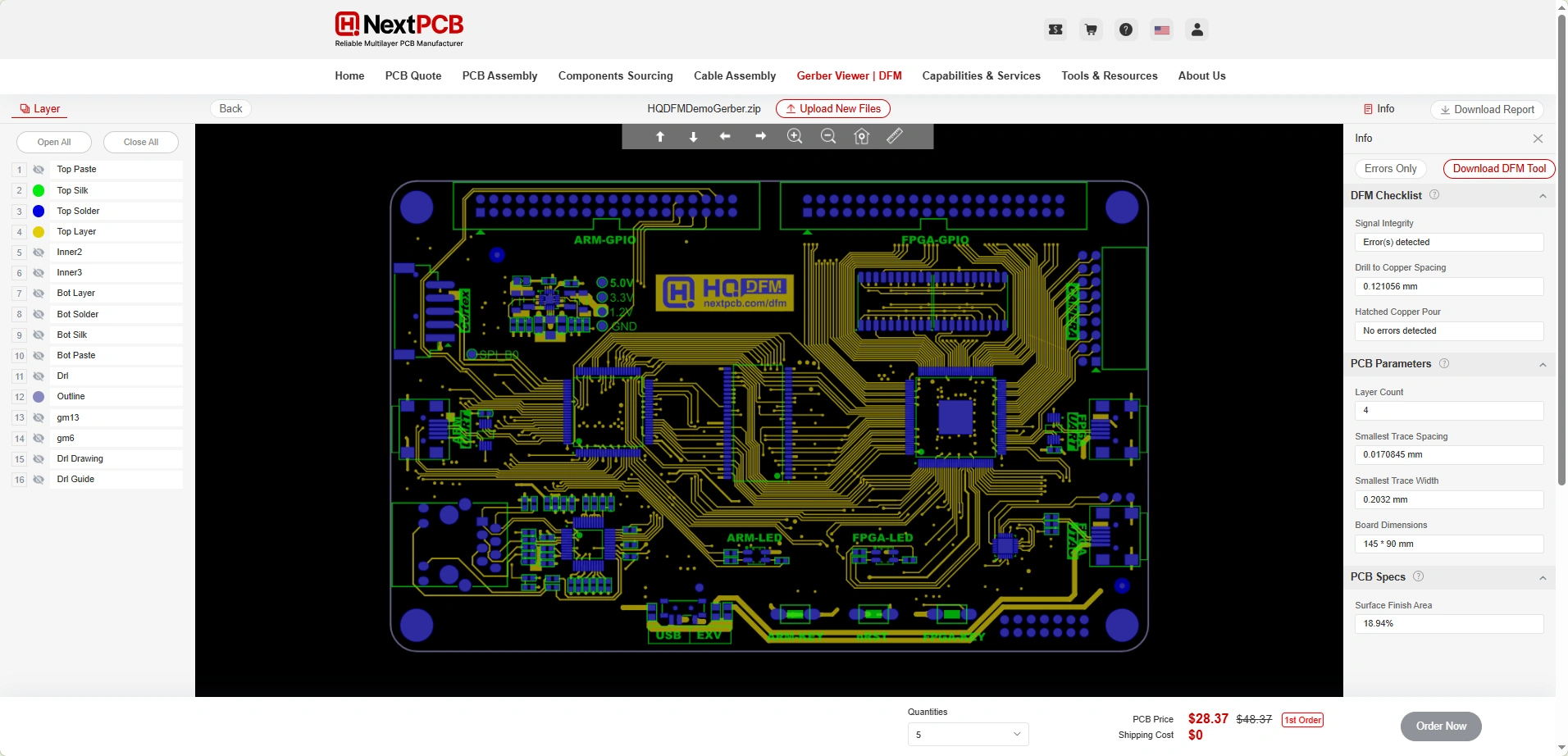
The NextPCB Free Online Gerber Viewer is built on the same HQDFM engine NextPCB's own production lines use. There's no login to view a board, no login to run the DFM check, and no login to download the resulting report — the report itself carries no watermark and isn't capped in length. Uploaded files are transferred over HTTPS and auto-deleted after 24 hours, which is stated plainly rather than buried in a terms page. It supports Gerber RS-274X, Gerber X2, Excellon drill files, and native KiCad .kicad_pcb files directly.
The one real limitation: ODB++ files are view-only online. For ODB++ inspection, or for teams that need to run checks completely offline without uploading anything, the full HQDFM desktop application runs the identical rule set locally, with no file ever leaving your machine.
(Click the image to view full size)
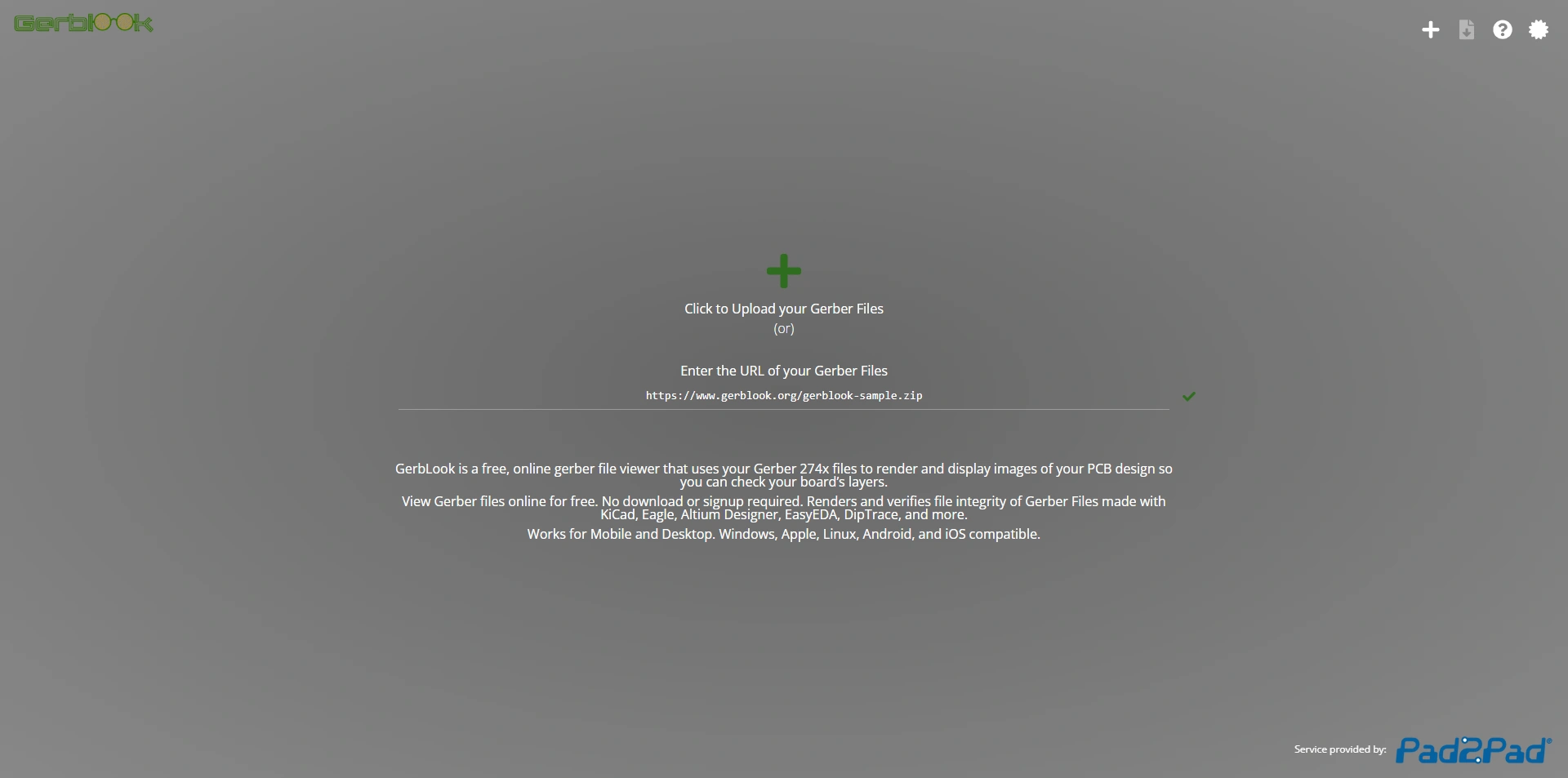
Upload a ZIP, get a rendered layer view back — no account screen, no export lock. It's intentionally bare-bones: there's no DFM analysis and no measurement tools, but for a fast visual sanity check it asks nothing of you in return.
(Click the image to view full size)
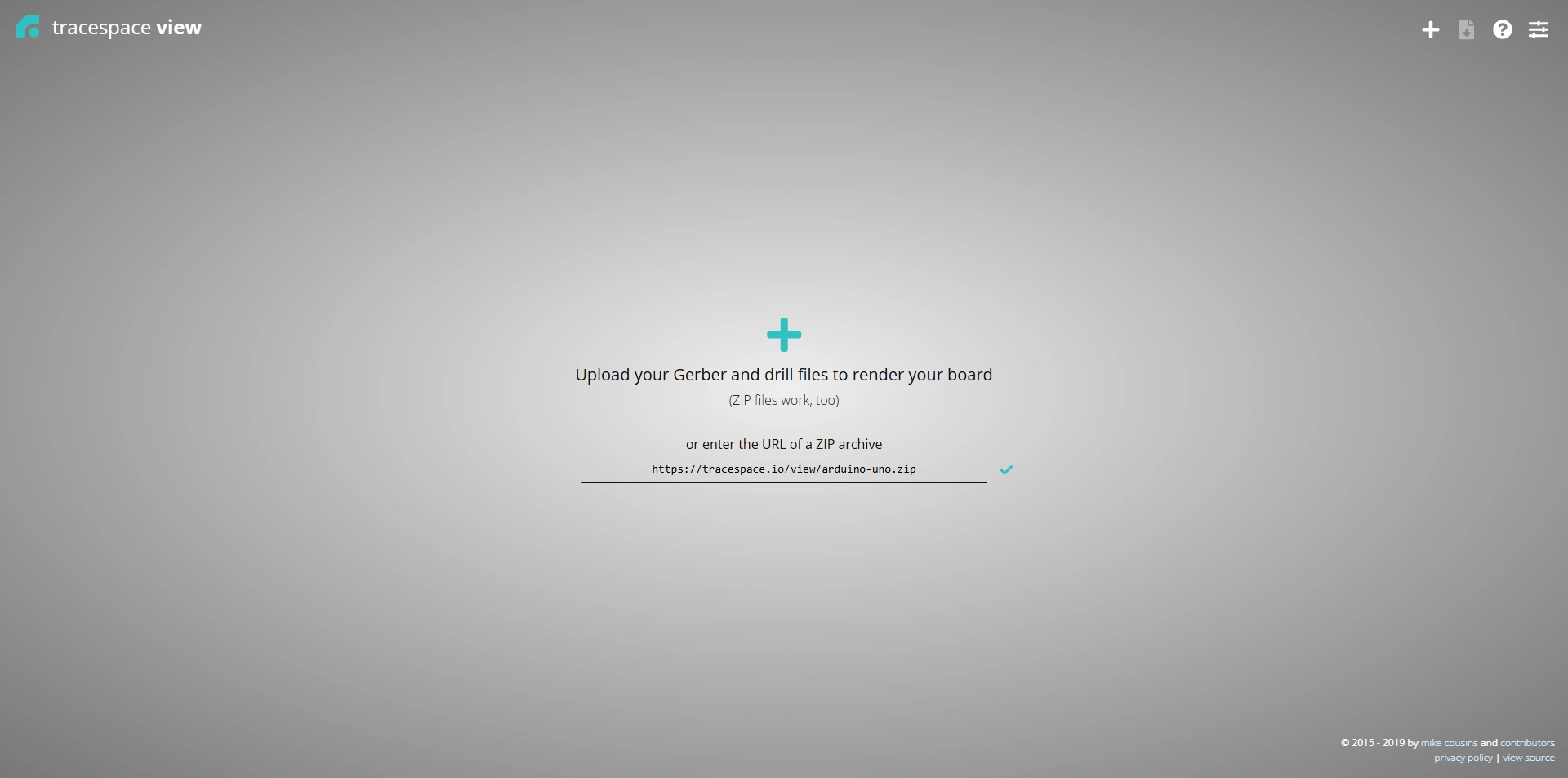
Tracespace renders entirely client-side, meaning your Gerber files never actually get uploaded to a server at all — the rendering happens in your own browser. It's open source under an MIT license, which is why several other Gerber tools use it as their rendering engine under the hood.
(Click the image to view full size)
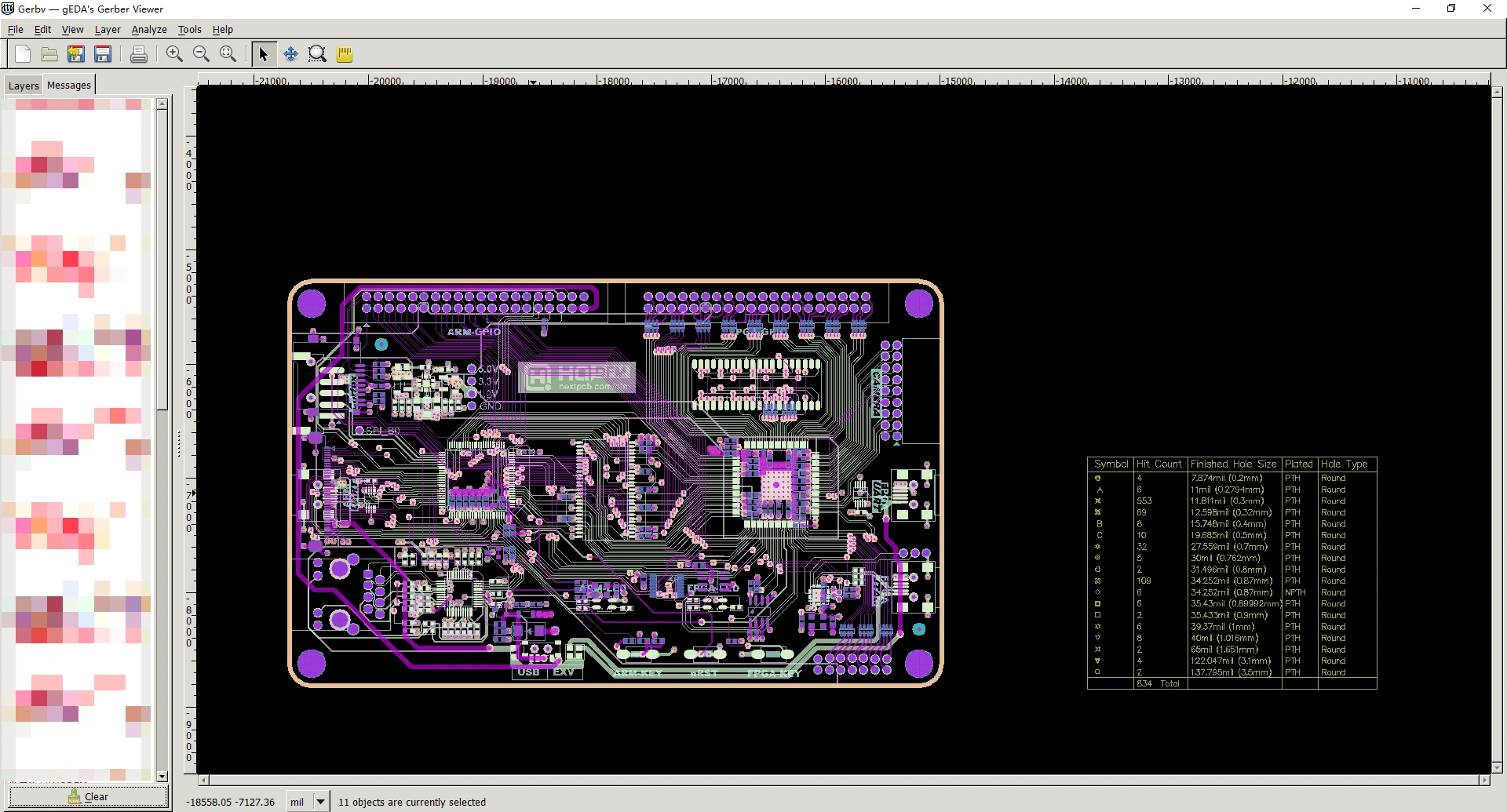
The long-standing open-source desktop standard. No install limits, no license restrictions, no telemetry requirement — just a local download that runs on Windows, Linux, and macOS. It has no DFM engine, but for teams that can't upload designs anywhere, it's the safest “free” on this list.
(Click the image to view full size)
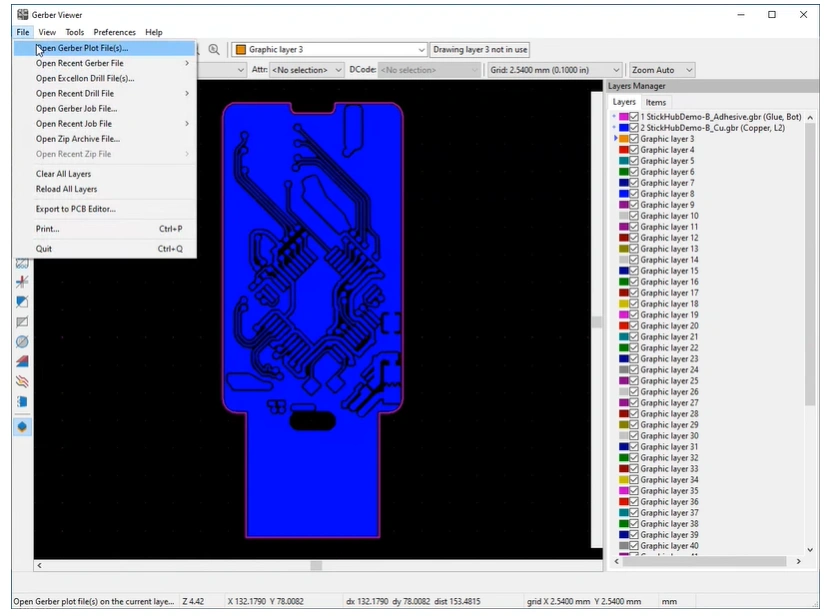
Bundled free with KiCad, GerbView is a solid neutral renderer for cross-checking an export against the original design, with no separate license or restriction beyond KiCad's own open-source terms.
(Click the image to view full size)
These aren't bad tools — they're just not unconditionally free, and it’s worth knowing where the line sits before you rely on one:
If you just need a fast layer-by-layer look before sending files to a fab, a browser-based tool like the NextPCB Online Gerber Viewer or GerbLook gets you there in under a minute with no setup. If DFM feedback matters — catching shorts, clearance violations, or annular ring problems before they become a scrapped board — the same NextPCB tool runs a genuine 20+ category check for free, which none of the other browser tools on this list currently offer.
If your design can't leave your machine at all — export-controlled work, unreleased products, strict client NDAs — an offline tool is the only correct choice, whether that's the open-source options (Gerbv, KiCad GerbView) or the full HQDFM desktop application, which runs the same DFM rule set as the online viewer without uploading anything, and also adds ODB++ support that the browser version doesn't handle.
Yes. Viewing, running the DFM check, and downloading the report all require no account, and the report itself has no watermark or length cap. Files are transmitted over HTTPS and auto-deleted after 24 hours.
An account wall that appears after upload — the tool lets you view a preview, then asks you to sign up before you can export or see full detail. Watermarked reports and manufacturer-only DFM rules are the next most common catches.
Gerbv and KiCad's built-in GerbView are both free, open-source, and run entirely offline. For DFM checking offline, the HQDFM desktop application is the option that doesn't require uploading anything.
Altium 365 Viewer supports ODB++ online. The NextPCB Online Gerber Viewer currently supports ODB++ for viewing only through its desktop HQDFM application, not the browser version.
It depends on the tool's stated data policy. NextPCB states HTTPS transfer and 24-hour auto-deletion, and Tracespace never uploads your file at all since rendering happens client-side. For strict confidentiality requirements, an offline viewer like Gerbv or KiCad GerbView removes the question entirely. Always check a tool's own privacy or terms page before uploading anything sensitive.
The NextPCB Online Gerber Viewer is currently the only tool in this comparison offering a full, unwatermarked, downloadable DFM report with no account required.
It varies by tool and isn't always stated upfront. Open, no-account tools like GerbLook and Tracespace impose no account-tier restrictions since there's no account to tier in the first place. Manufacturer-run viewers such as JLCPCB's and PCBWay's are built around typical production boards and calibrate their checks to that manufacturer's own capabilities rather than a generic layer cap. If a specific limit matters to your project, check the tool's own help page — it's rarely advertised on the landing page itself.
Upload your Gerber, KiCad, or ODB++ files and get an instant DFM report powered by NextPCB's production HQDFM engine. No account, no watermark, no strings attached.
Open the Free Online Gerber Viewer Download the Full HQDFM Desktop Version

Still, need help? Contact Us: support@nextpcb.com
Need a PCB or PCBA quote? Quote now