
 NextPCB Capabilities
Printed Circuit Boards
NextPCB Capabilities
Printed Circuit Boards
 PCB Assembly
 Layer Buildup
 SMD-Stencils
 PCB Design-Aid & Layout
 Mechanics
 Quality
 Drills & Throughplating
 Factory & Certificate
 PCB Assembly Factory Show
Certificate
PCB Assembly Factory Show
Certificate

Support Team
Feedback:
support@nextpcb.com


The journey from a blank schematic to a fully fabricated circuit board involves multiple steps. One of the recurring challenges engineers face when using any pcb design software is manually configuring manufacturing constraints. (If you are exploring new tools, check out our guide on the top 10 free PCB design platforms for 2026.) Setting up the correct rules is essential to prevent fabrication errors, but it can also be a time-consuming process.
To bridge the gap between design and manufacturing, NextPCB has collaborated with Flux to introduce a series of manufacturing-ready templates. These templates come pre-configured with our fabrication parameters, aimed at reducing guesswork and ensuring a smooth transition to the production phase.
Starting a PCB layout from scratch typically requires manual input of trace widths, via sizes, clearances, and verification of design rules. By utilizing NextPCB templates within Flux, these initial constraints are handled upfront. This allows designers to focus their attention on circuit functionality rather than troubleshooting manufacturability concerns.
Core Advantages:
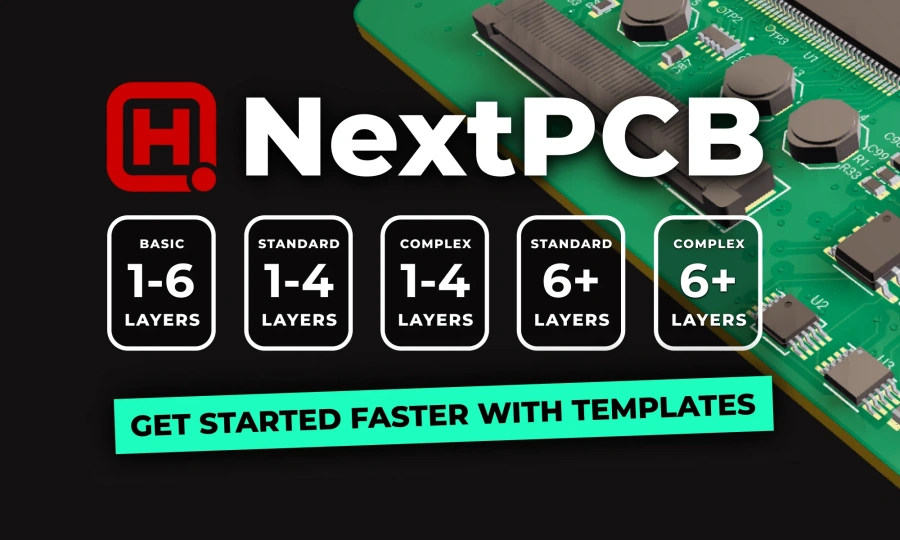
Image source: https://www.flux.ai/p/blog/new-nextpcb-templates-for-more-streamlined-manufacturing
We have worked alongside the Flux team to develop templates that cater to varying board complexities:
To evaluate how these templates function in a real-world scenario, an IoT-enabled sensor board was developed using the NextPCB templates in Flux. This specific design incorporates the RP2350 microcontroller, which is part of NextPCB’s recent Accelerator campaign aimed at subsidizing projects utilizing this component.
Utilizing the template ensured that design rules were accurate from the beginning. As modern AI PCB design software evolves, tools like Flux leverage artificial intelligence to automate complex routing and component placement. Combined with Flux’s Auto-Layout and Copilot component recommendations, the AI-assisted routing resulted in a clean layout. Most importantly, the final Gerber export was fully compatible with NextPCB’s fabrication standards without requiring post-design modifications.
Once a design is complete in Flux, the transition to physical manufacturing is straightforward. Users can export their Gerber files, confident that they align with our production requirements.
To further streamline this process, NextPCB has updated its PCB Assembly Quote System. The system now provides instant, automated cost estimation, removing the delays associated with manual reviews.
Steps to Manufacture Your Design:
By integrating manufacturing constraints directly into your pcb design software, the hardware development cycle becomes significantly more predictable. You can access the NextPCB templates in Flux today to start your next prototype.
Still, need help? Contact Us: support@nextpcb.com
Need a PCB or PCBA quote? Quote now




 Surface

